Connect once.
It starts working.
Gmail, Calendar and Stripe in three clicks — read-only, encrypted per studio, revocable any time. Viznerve reads the moment you link, with nothing to configure.
Your inbox, read in seconds
Link Gmail and Viznerve starts triaging inbound the moment it arrives. Read-only access through a managed, verified Google sign-in — it reads to help you, it never sends as you without approval.
- Read-only Gmail access
- Verified Google OAuth
- Triage begins immediately
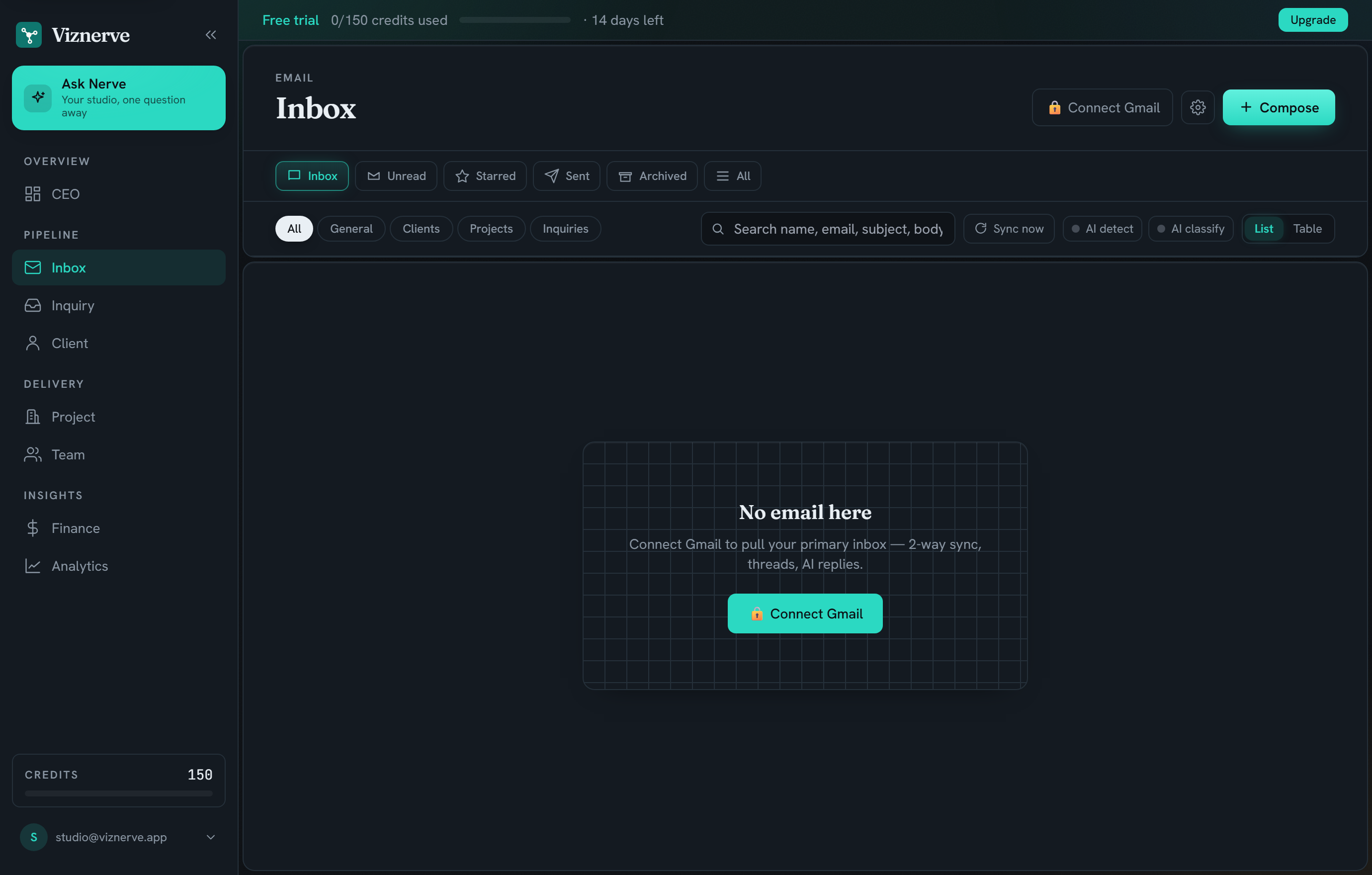
Example from an architectural visualization studio. Viznerve adapts to your studio type.
Calendar & billing, joined up
Calendar gives Viznerve your real capacity; Stripe gives it revenue and invoices. Together they power studio health and let Ask Nerve answer money and capacity questions from the source.
- Calendar → live capacity
- Stripe → revenue & invoices
- No manual data entry, ever
How connecting works
Click connect
Pick a service and approve access on its own consent screen. No API keys to paste, no IT ticket.
Viznerve reads
It pulls only what it needs — inbound, events, invoices — encrypted with a key unique to your studio.
Revoke anytime
Disconnect in one click and access ends immediately. Your data stays yours; export it whenever you like.
Connections are free.
You only spend credits on actions — connecting and reading cost nothing.
Questions about connecting
What exactly can Viznerve access?
Only what you connect, and only what it needs: inbound mail, calendar events and invoices — read-only. The exact scopes are shown on Google’s own consent screen, and you can revoke them in one click.
Is my data secure?
Connection tokens are encrypted with a key unique to your studio and never logged. Every studio is isolated at the database layer, and all traffic is over HTTPS.
What if I use Outlook?
Outlook and more inbox providers are on the near-term roadmap. Tell us what you’re on and we’ll prioritise — the founder reads every request.
Can I connect just one service?
Yes. Start with Gmail for triage; add Calendar and Stripe when you want the full studio-health picture. The more it reads, the more it can do.
How do I disconnect?
One click in settings revokes access immediately. We delete the connection and stop reading on the spot.
Connect once. It runs.
Gmail, Calendar and Stripe in three clicks — read-only, encrypted per studio, revocable any time.